
Quick Search
Your sounds. One shortcut away.
Preview your library over the app you’re editing in.
 Sound effects for Mac
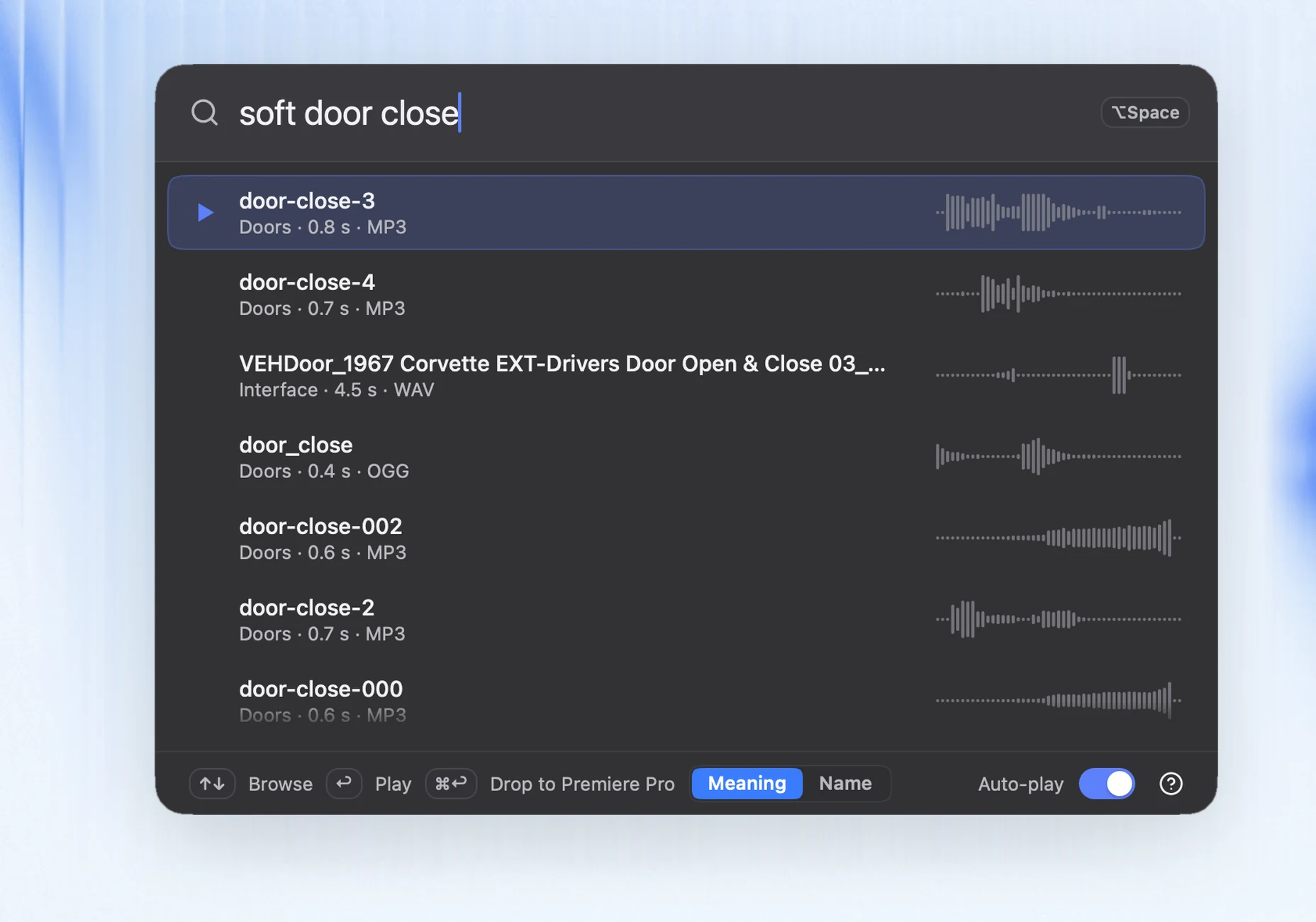
A sound effects library that lives one shortcut away. Describe what you hear in your head, compare the match, and drop it straight onto your timeline.
Opens over any app.
Always within reach
Open Quick Search over the app you’re already using.
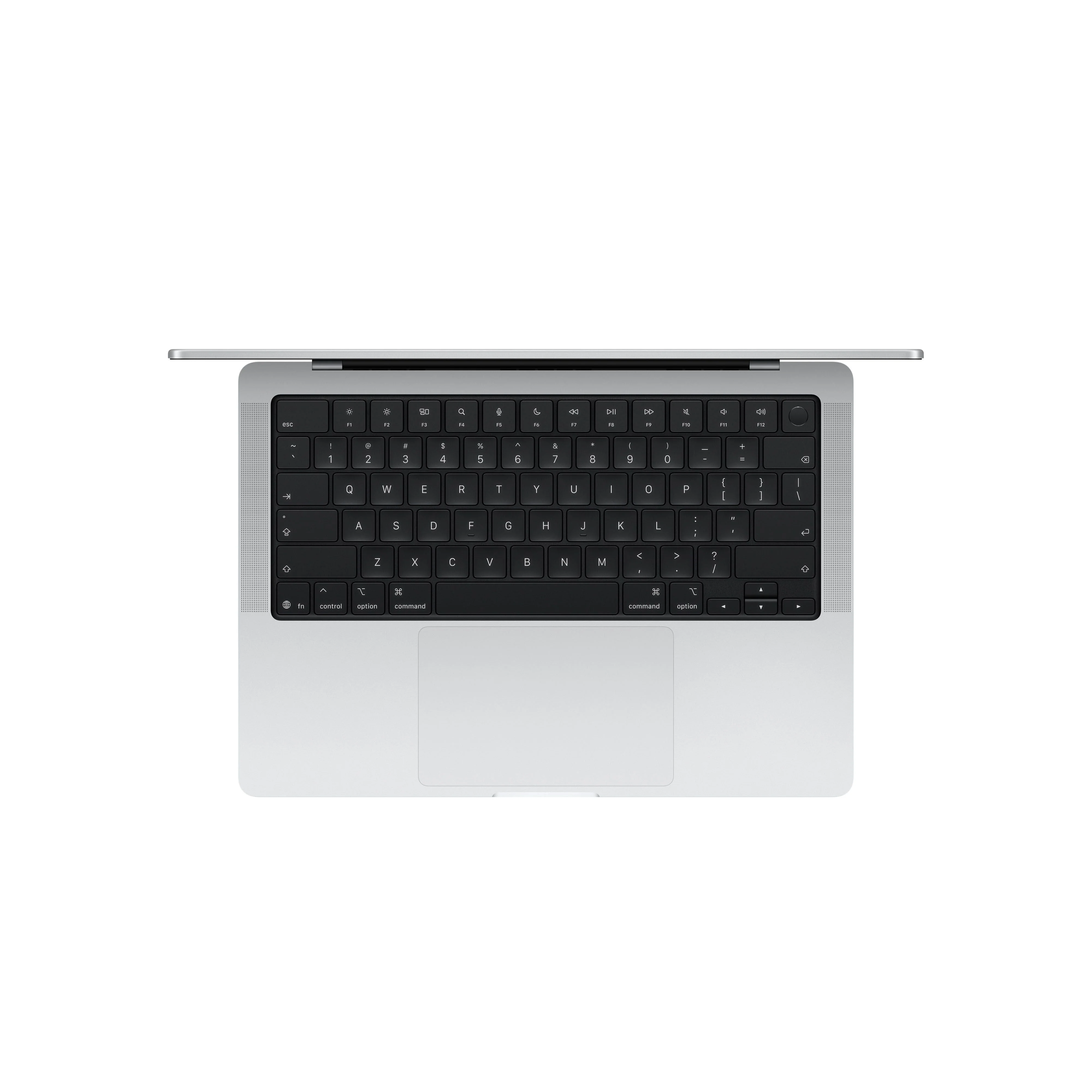
⌥ Option+SpaceOne shortcut. Your entire library.
A closer look
Find your sound
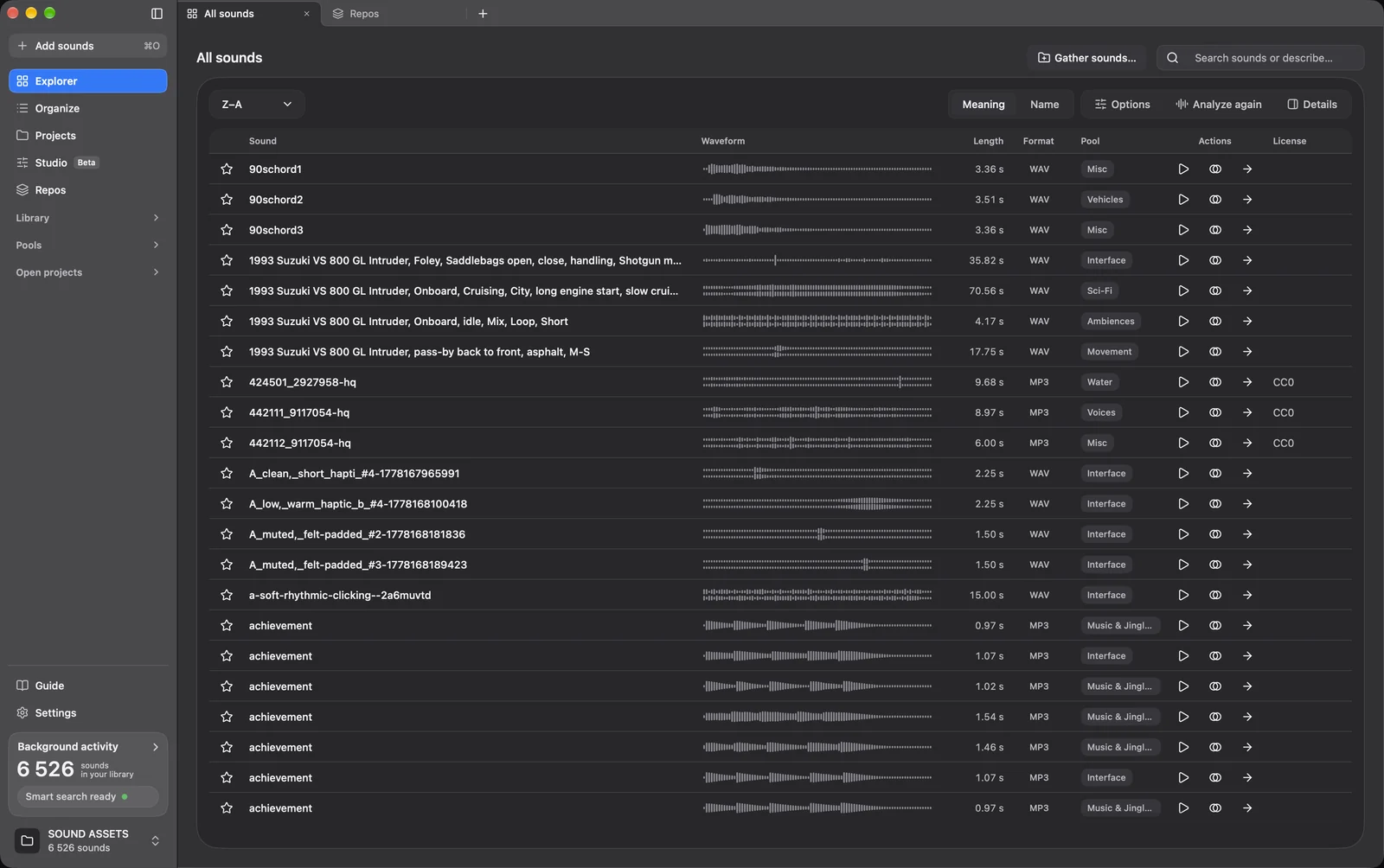
From the first idea to the right sound. Stay close to your edit, and let your library do the finding.
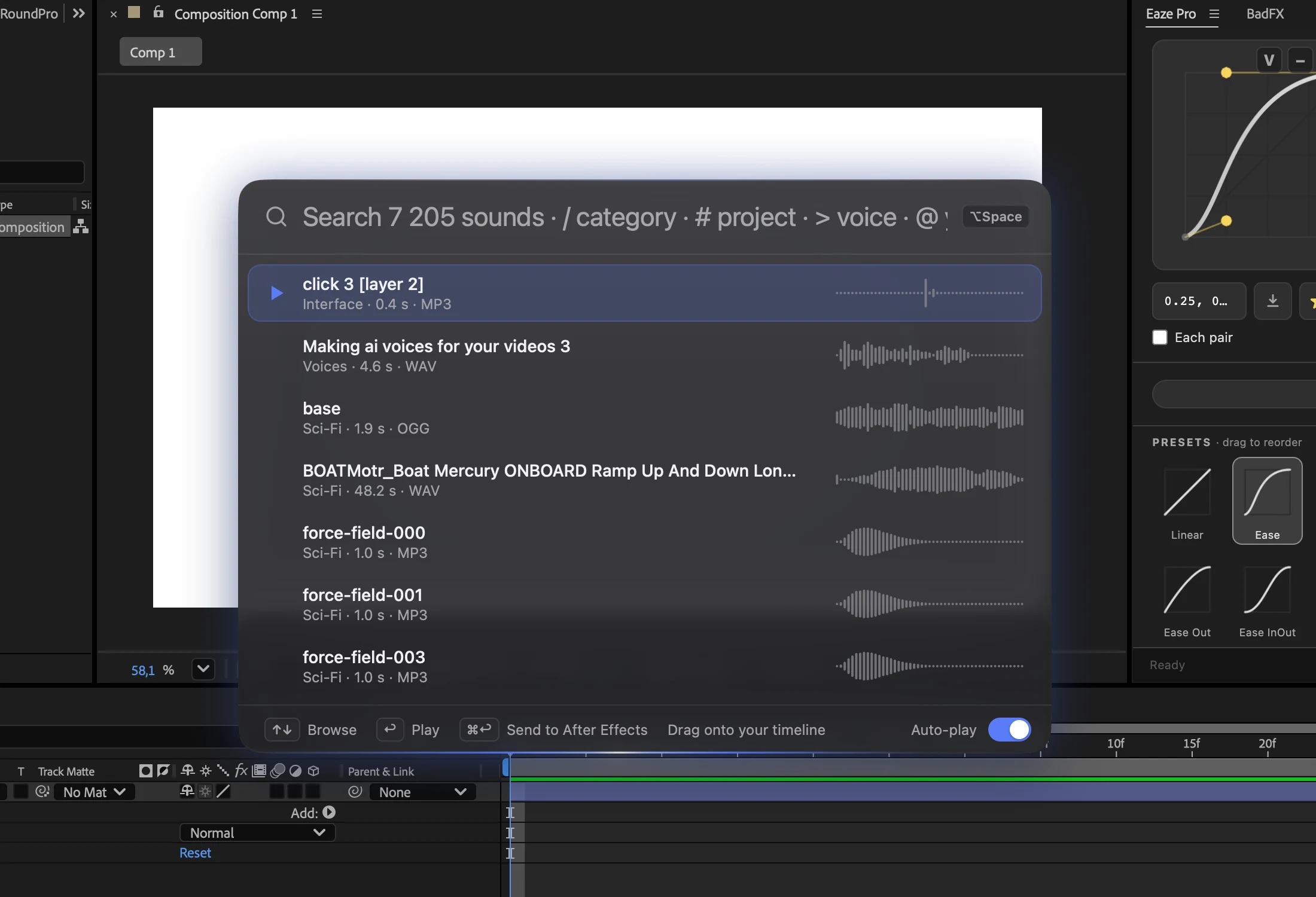
Press ⌥ Space to open Quick Search over the app you’re already using. Preview a sound without leaving your edit.
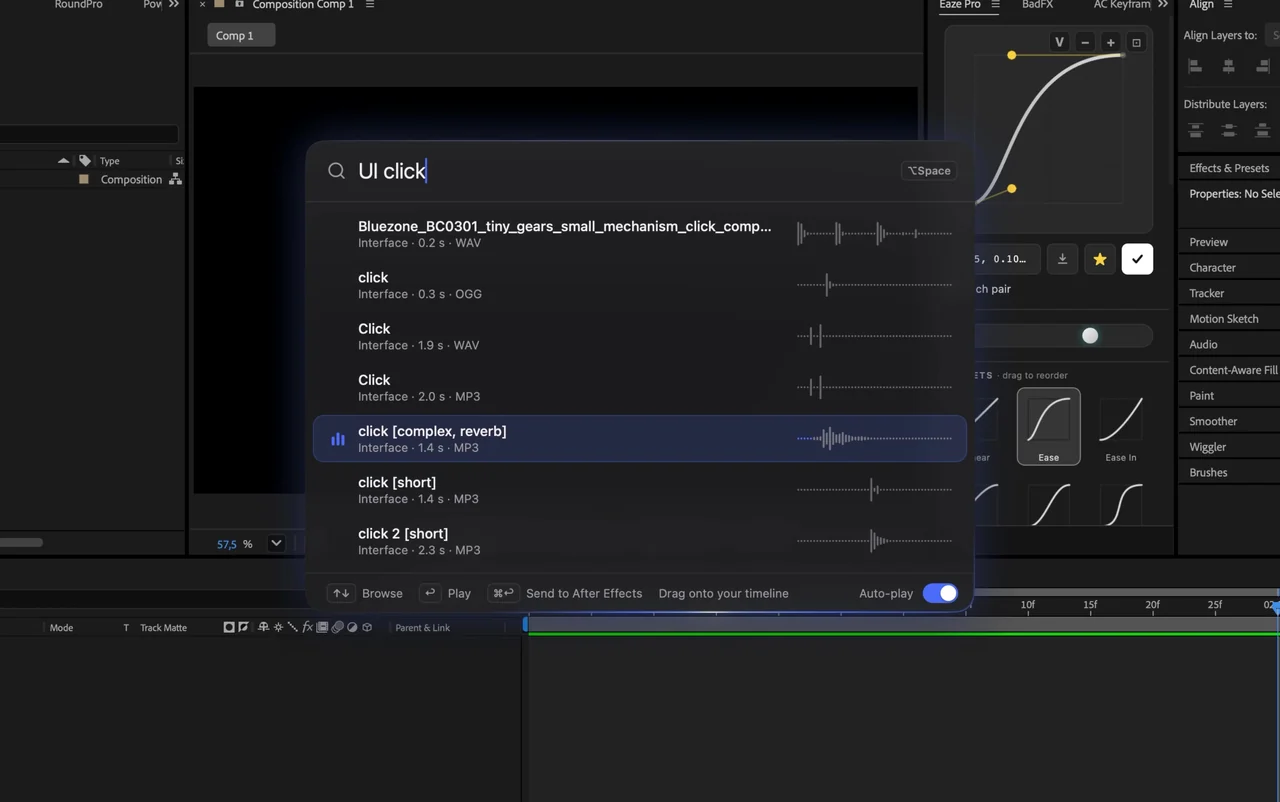
Search by meaning in English or Portuguese, even when the filename doesn’t tell the whole story.
Compare similar sounds to find the texture that works for your scene.
Trim, pitch, reverse and fade. Export a new file while keeping your original untouched.
Bring it all together
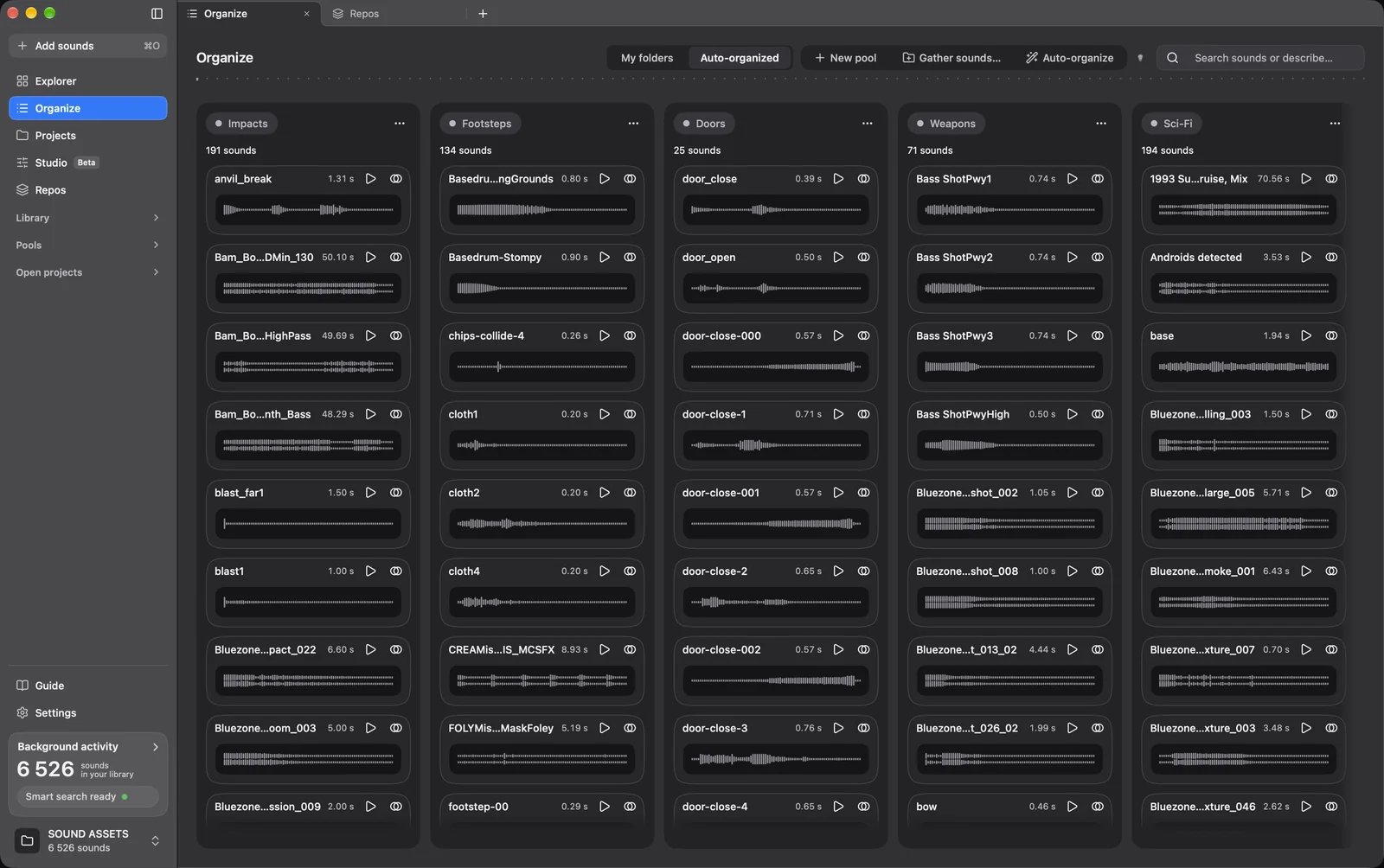
Give every sound a place. Keep the details you need, and leave the busywork in the background.
Sounds are analysed on your Mac and grouped into pools. Refine the tags and collections your way.
Preview one sound, then another. Hear which fits your scene.
Spot matching audio across formats. Compare copies before you keep or remove them.
Scanning and analysis run in the background. Check progress when you need it.
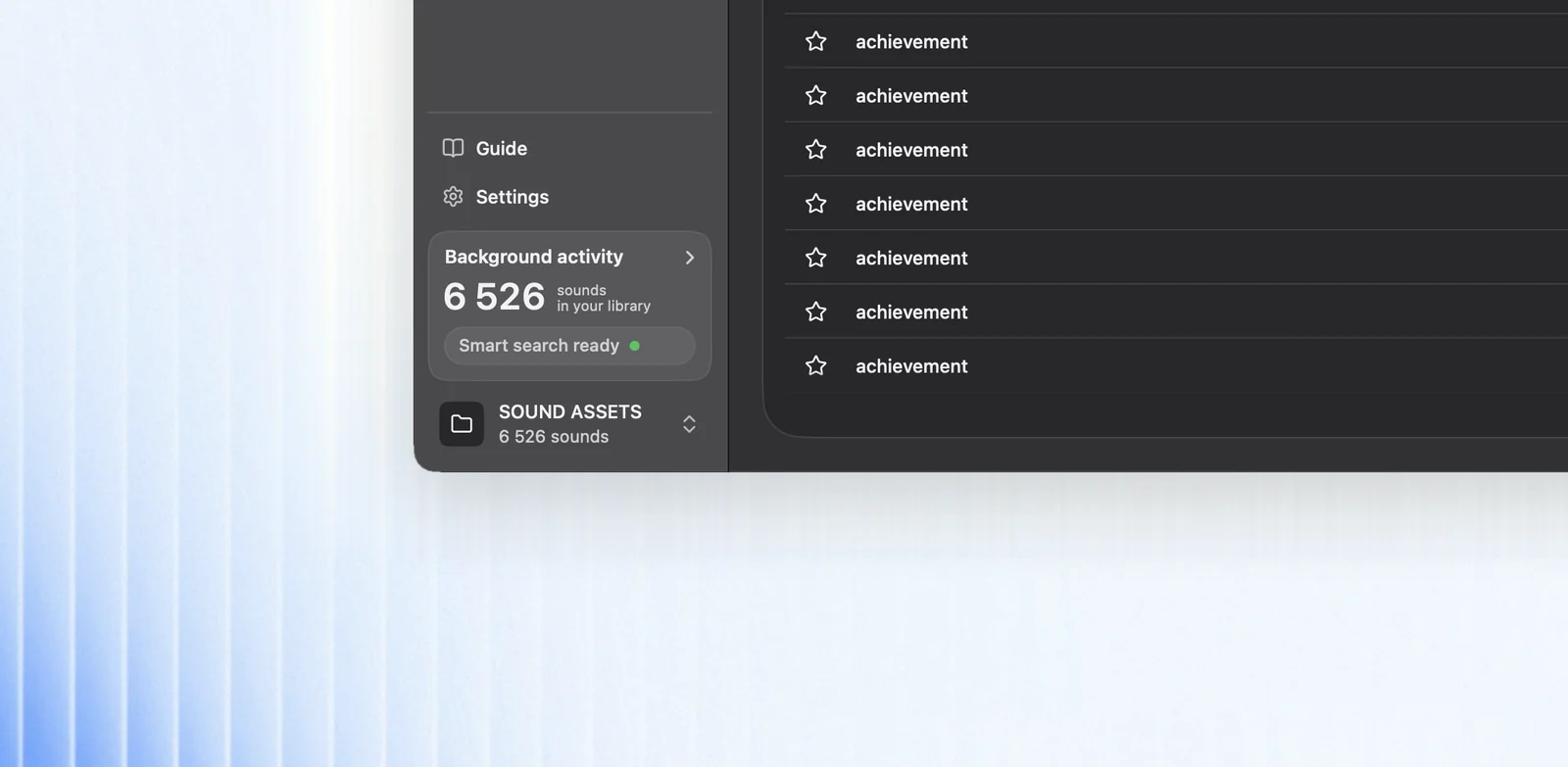
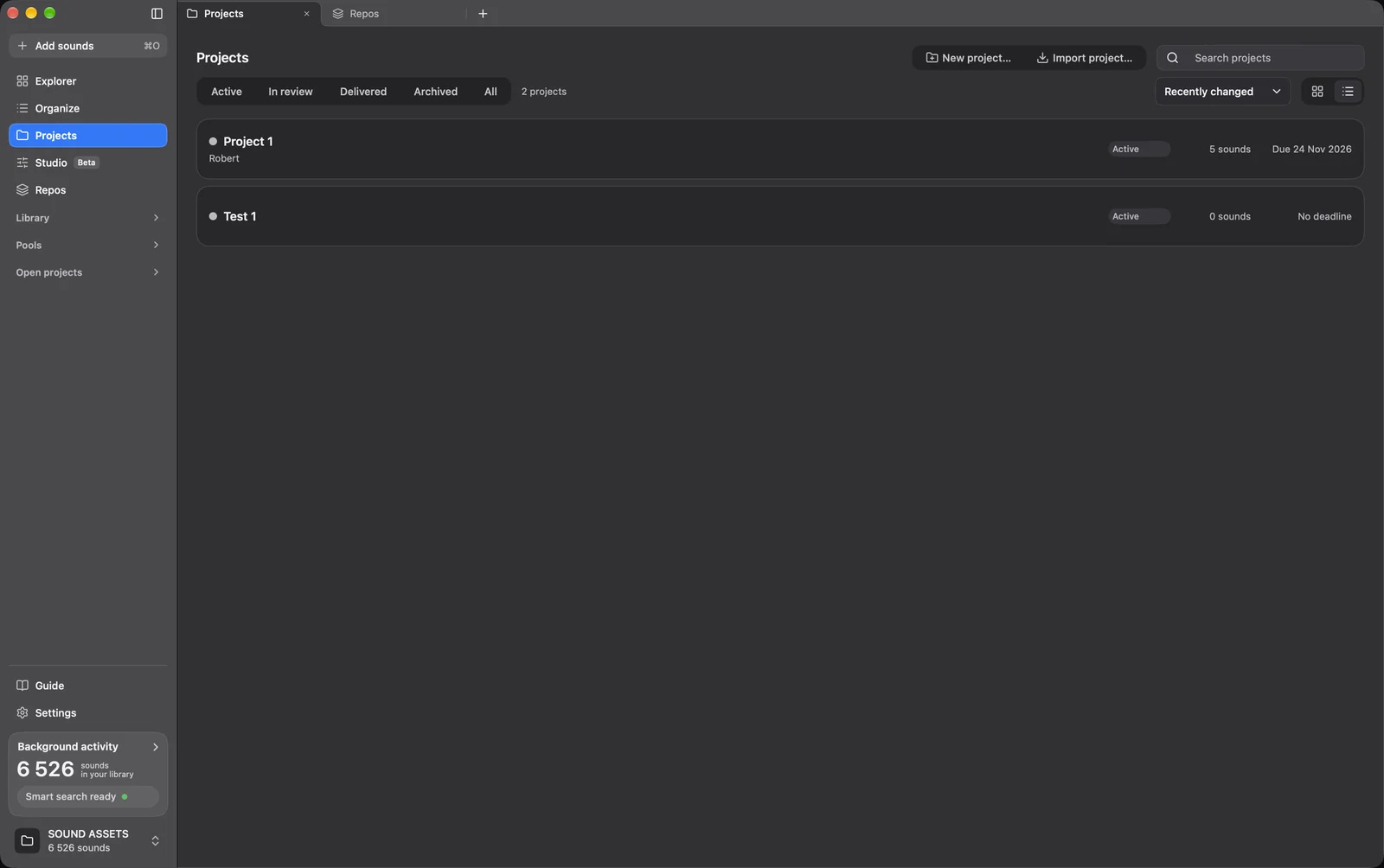
Keep the sounds you use alongside clients, notes and deadlines. Share a project as one file, with or without its audio.
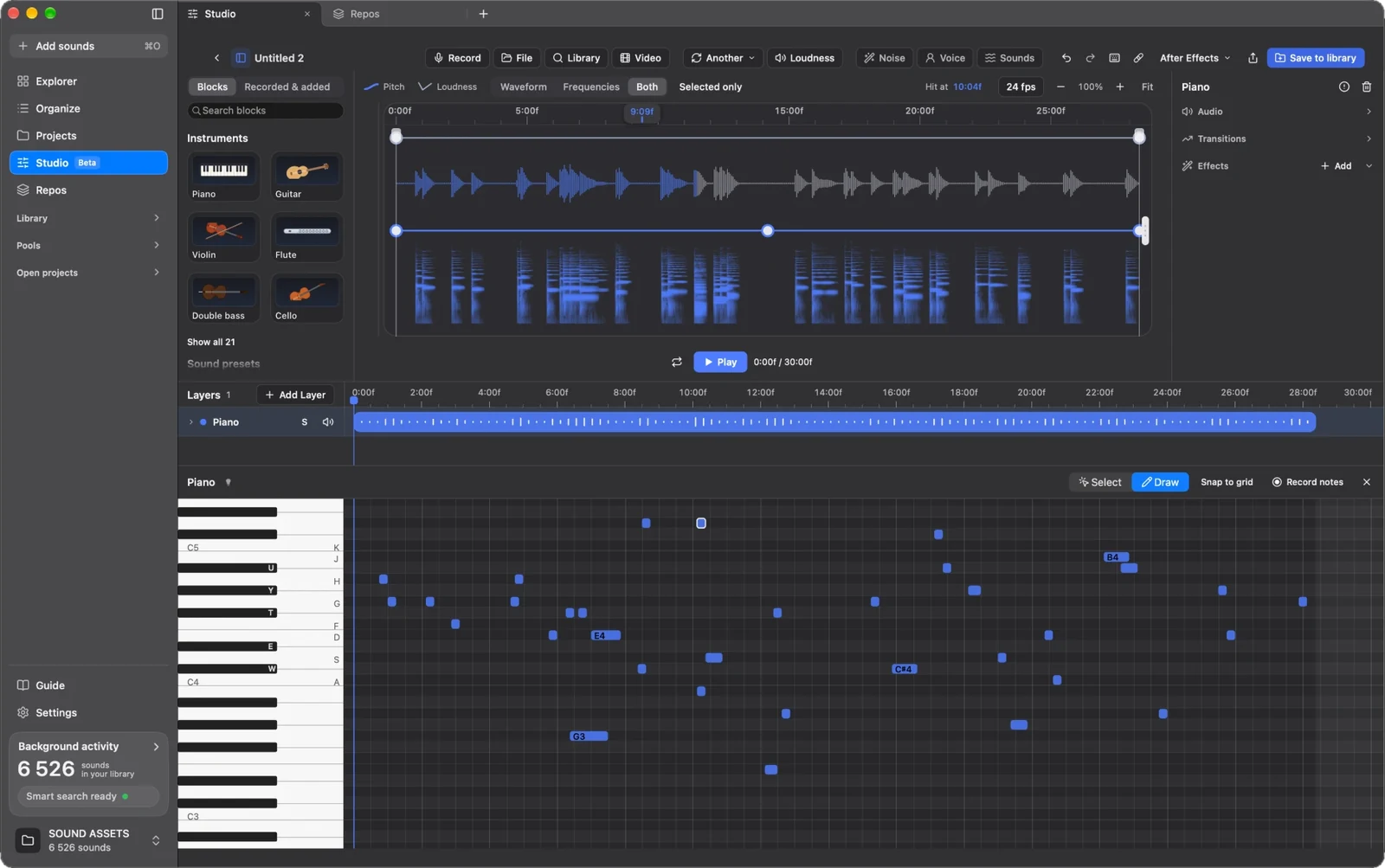
Studio · Beta
Layer sounds, play built-in instruments, add effects and record with your microphone. A space to experiment, right on your Mac.
Included as a beta preview. Turn Studio off in Settings whenever you like.
Made for your workflow
Preview your sounds here. Bring them into the editor you already use.
 After EffectsDirect Drop
 Premiere ProDirect Drop · included plug-in
 DaVinci ResolveDrag and drop
 Final Cut Pro (beta)Drag and drop
Repos
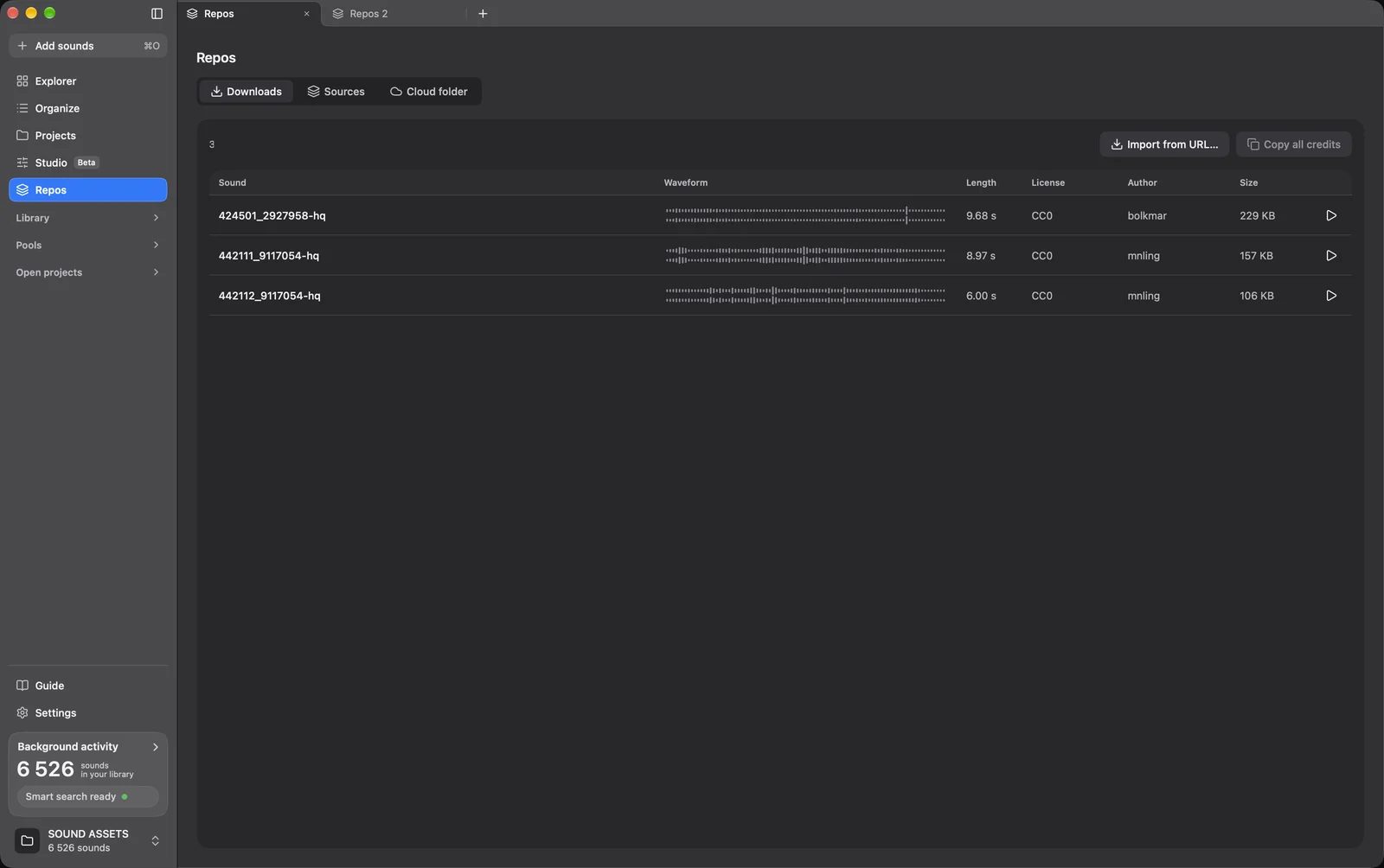
Keep downloaded sounds with their authors and licences, connect cloud folders, and find links to free sound sites. Check each sound’s licence before using it in a client project.
Yes. Quick Search opens as a floating panel over the app you're in. The default shortcut is Option–Space, and you can change it in Settings. The app needs to be running, and it can stay running after you close its main window.
After Effects and Premiere Pro have Direct Drop: After Effects places sounds at the playhead of the open composition, and Premiere Pro adds them to a bin and the open sequence through an included Creative Cloud plug-in you approve once. DaVinci Resolve (Free and Studio) and Final Cut Pro (beta) take sounds by drag and drop onto the timeline. You can also drag audio into any app that accepts sound files.
With automatic collection on, sounds you send or drag into another app are added to the chosen project. It records the handoff only. It doesn't read or sync your editor's timeline.
No. You can connect your own folders, cloud folders or drives, or import a sound from a link. Each imported sound keeps its author, source and licence, so you can check the terms before you use or share it.
No. Search and audio analysis run on your Mac. The app goes online only to check your licence, look for updates if you allow it, and import from links you choose. Sharing a project is always something you do on purpose. The Privacy Policy has the details.
No. Previews and effects never overwrite your audio, and edits are exported as new files. Renaming, moving or deleting files are separate actions that only happen when you choose them.
A Mac with Apple silicon (M1 or later) running macOS 13 or later. Intel-based Macs are not supported. To check your Mac, open the Apple menu and choose About This Mac.
Studio is a beta workspace for building your own sounds: layer sounds, play built-in instruments, add effects, record with your microphone and isolate voices or sounds, all on your Mac. It's included as a preview and can be turned off in Settings.
Yes. The public beta is free until 12 January 2027. Download it, and it keeps itself up to date as new versions arrive. It needs an Apple silicon Mac (M1 or later) with macOS 13 or later.
Yes, it's in development. It will be the same app with the same features, built for Windows, and its requirements will be announced with it. The beta is Mac-only for now.
Yes. The videos show SFX L'Builder running on a Mac. Playback is silent.
SFX L’Builder for Mac
Download the public beta. Free to use until 12 January 2027.
Download the beta for Mac
Offline and private. Updates install as they arrive. No email required.
Explore pricingWaiting for Windows? Get notified when it’s ready.